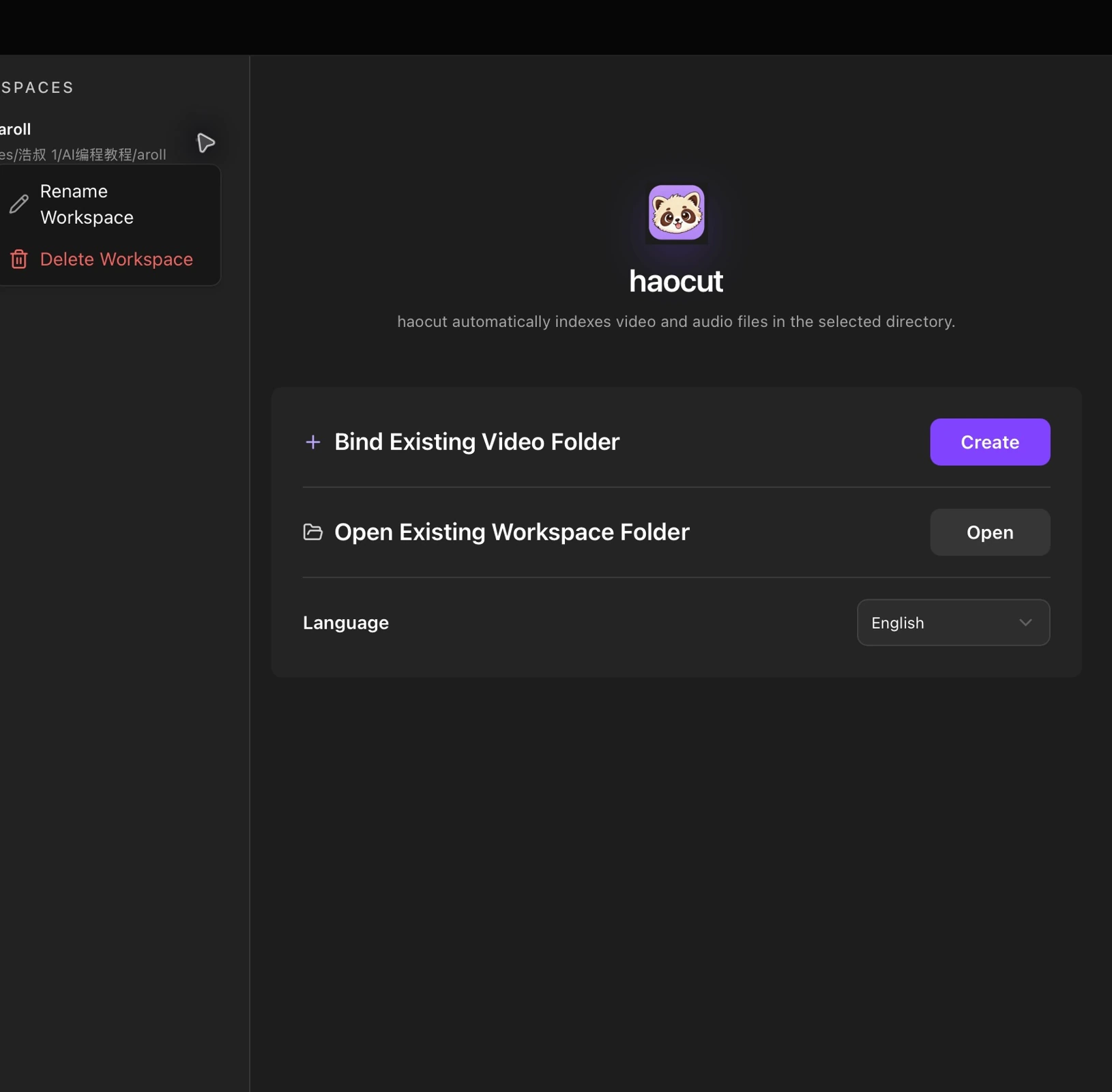
A workspace is a folder containing your media. HaoCut reads its videos, audio files, and subfolders.
Create a workspace
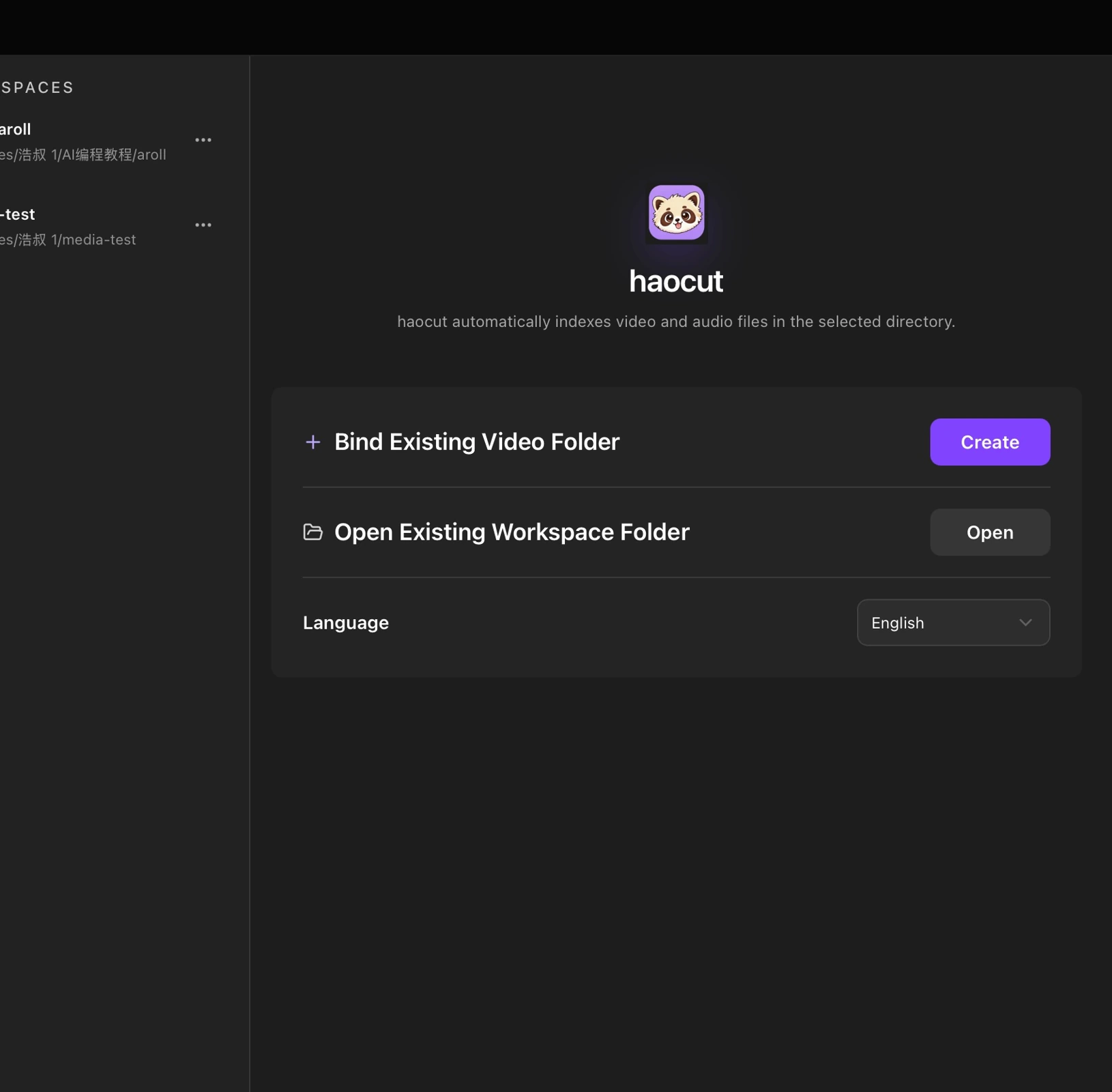
- Click Manage workspaces at the bottom left.
- Under Bind Existing Video Folder, click Create.
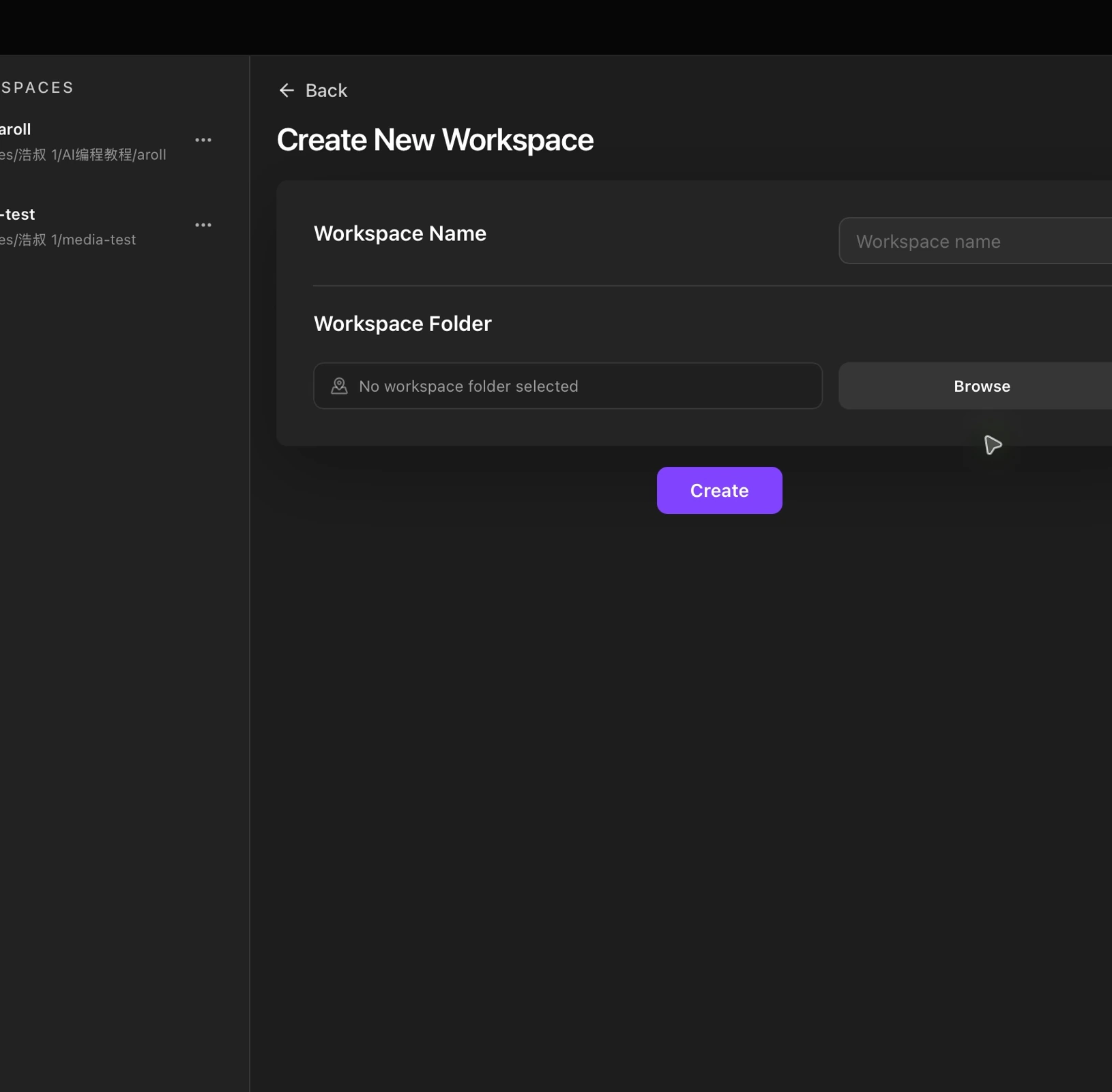
- Enter a workspace name and click Browse to choose your media folder.
- Click Create and wait for the files to appear in Explorer.
Open an existing workspace
In the workspace manager, click Open under Open Existing Workspace Folder and select a workspace you used before.
Switch and manage workspaces
Click a workspace in the manager to switch to it. Use the menu next to its name to rename or remove it.